
Quick Answer
Match your controls to your partner's icon sequence. Activate the three buttons connected to your partner's monitors, then have the player watching the cycling display call out its three icons so the other player can operate the matching controls in order. For the We Were Here Tomorrow Rehabilitation Suite control sequence, inspect all four controls, read the display again after a failed attempt, and keep going until the three door checks are marked.
The Rehabilitation Suite monitor puzzle, Rehabilitation Suite three-light sequence, and Rehabilitation Suite lever and pressure plate puzzle are the same challenge. You encounter it in the Rehabilitation Suite walkthrough; activate the buttons linked to your partner's screens before working through the control sequence.
How do you start the Rehabilitation Suite monitor puzzle?
Press the three buttons connected to your partner's monitors so the screens light up.
Find the linked buttons
One player has three screens, while the other has the buttons connected to them. Find those buttons and activate each one.
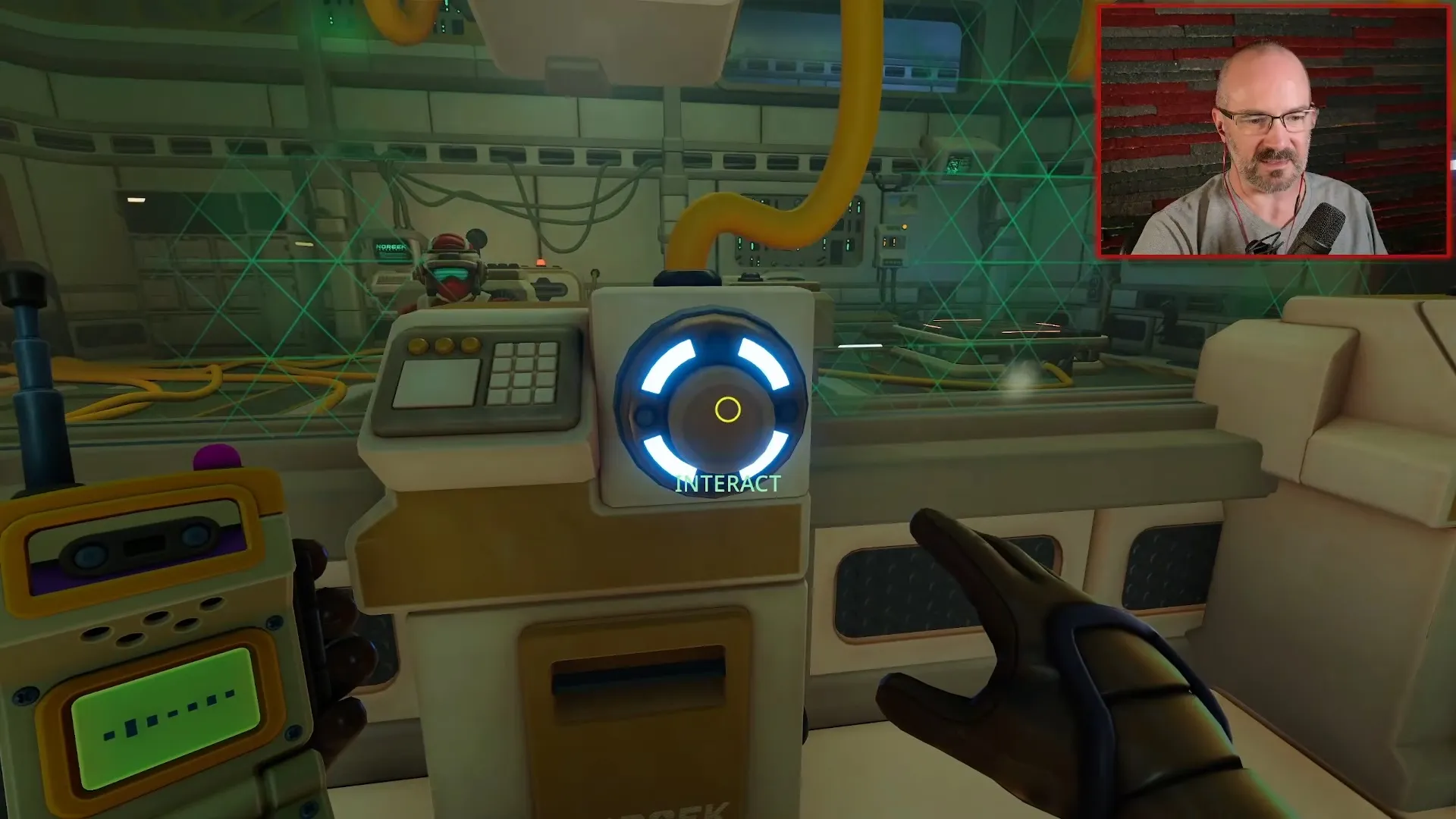
The three buttons connect to your partner's screens.
Shown at 17:20 in Tango Tek2’s video.Confirm the screens are lit
Ask your partner to check that the three screens are lit before you start calling out the control instructions.
How do you follow the Rehabilitation Suite three-light sequence?
Have the reader describe the three displayed control icons in order, then have the operator perform the matching actions in that order.
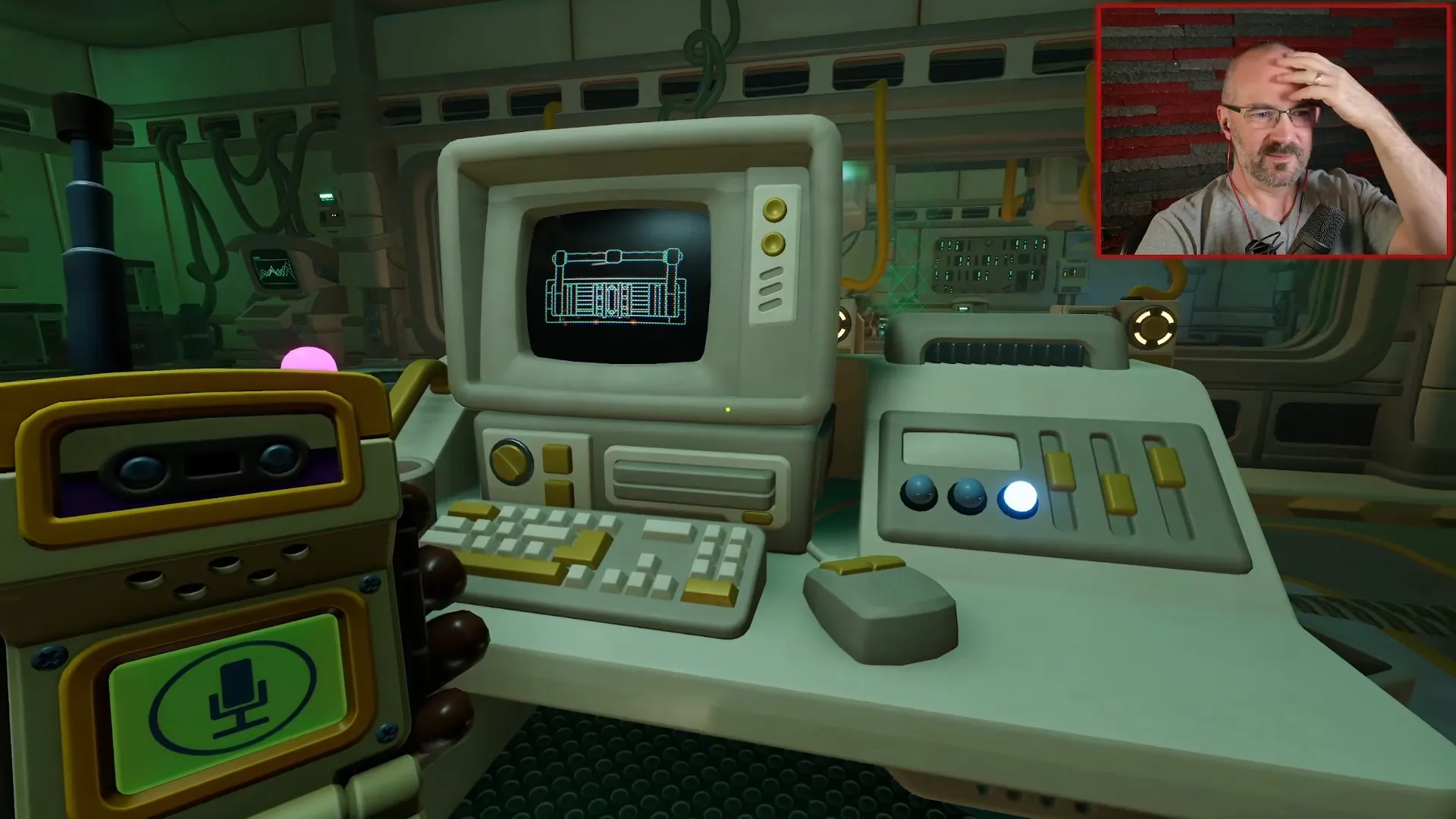
The computer cycles through instruction lights, each with a control picture.
Shown at 20:01 in Tango Tek2’s video.- Let the display cycle through so the reader can identify the order from beginning to end.
- Describe the shapes clearly enough for your partner to distinguish the controls. Calling something just a lever can cause confusion when you mean a different pull control.
- Have the operator use the matching controls in the order called out.
- After an unsuccessful attempt, read the current display again before retrying. The sequence can change, so repeating your previous inputs can send you through the wrong order again.
The task requires an ordered sequence. Activating the controls together does not replace reading and following the icons.
Why does the Rehabilitation Suite lever and pressure plate puzzle go wrong?
You can fail by overlooking the horizontal control or confusing two different lever symbols, even when you have remembered the displayed order.
Check the room for four input devices before deciding which control matches each picture. Players initially identify a button, a lever, and a pressure plate they can stand on, then discover they have missed another control.
Inspect the horizontal control before your next attempt. Agree on distinct descriptions for it and the other pull control, then have the reader call the current sequence again.
Some players get stuck repeatedly using the wrong pull control until they notice the overlooked device. If your partner's description sounds ambiguous, settle which device they mean before entering another sequence.
What do the icons look like?
The order is not fixed, but the pictures come from the same small set. Players in recorded runs described a conveyor belt, a machine with a pipe or piston pushing out to the side, and a large pull-down lever or crank wheel.
A red cross appears after a wrong input, and the pictures change. Start again from the first icon on the new display instead of finishing the old order.
Why is this called a monitor puzzle, three-light sequence, or lever and pressure plate puzzle?
Each name describes a different part of the same coordination task.
- Rehabilitation Suite monitor puzzle: the screens receive input from your partner's linked buttons.
- Rehabilitation Suite three-light sequence: the cycling display gives you an ordered set of pictured instructions.
- Rehabilitation Suite lever and pressure plate puzzle: the operator interacts with physical controls, including a lever and a pressure plate.
How do you know the control sequence is complete?
The door opens when all three door checks are marked.
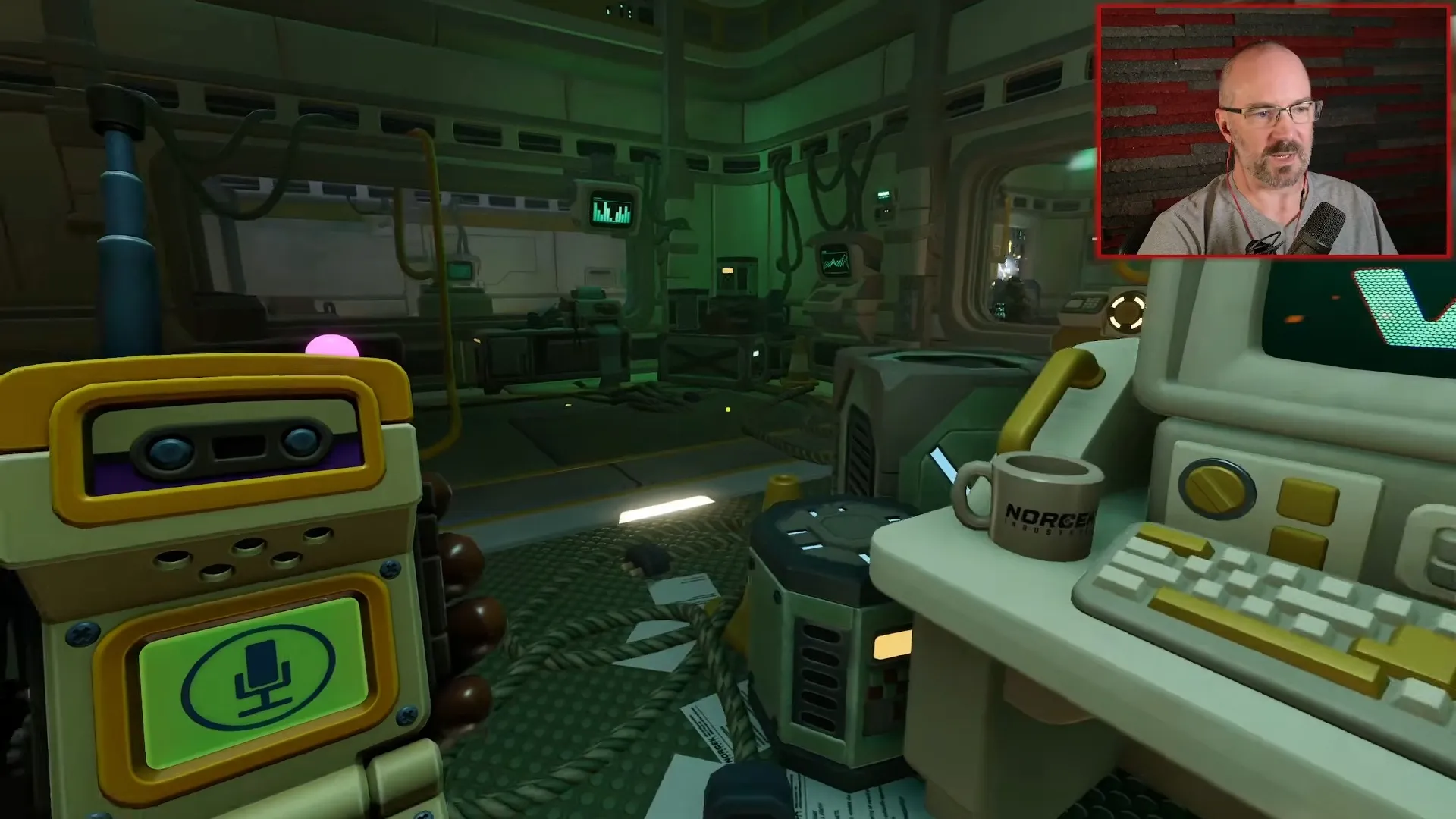
A checkbox at the control station marks completion progress.
Shown at 23:33 in Tango Tek2’s video.Keep following the current instructions until the door checks are complete. With the door open, you can move on; the next focused puzzle page covers the Research and Development component sockets.